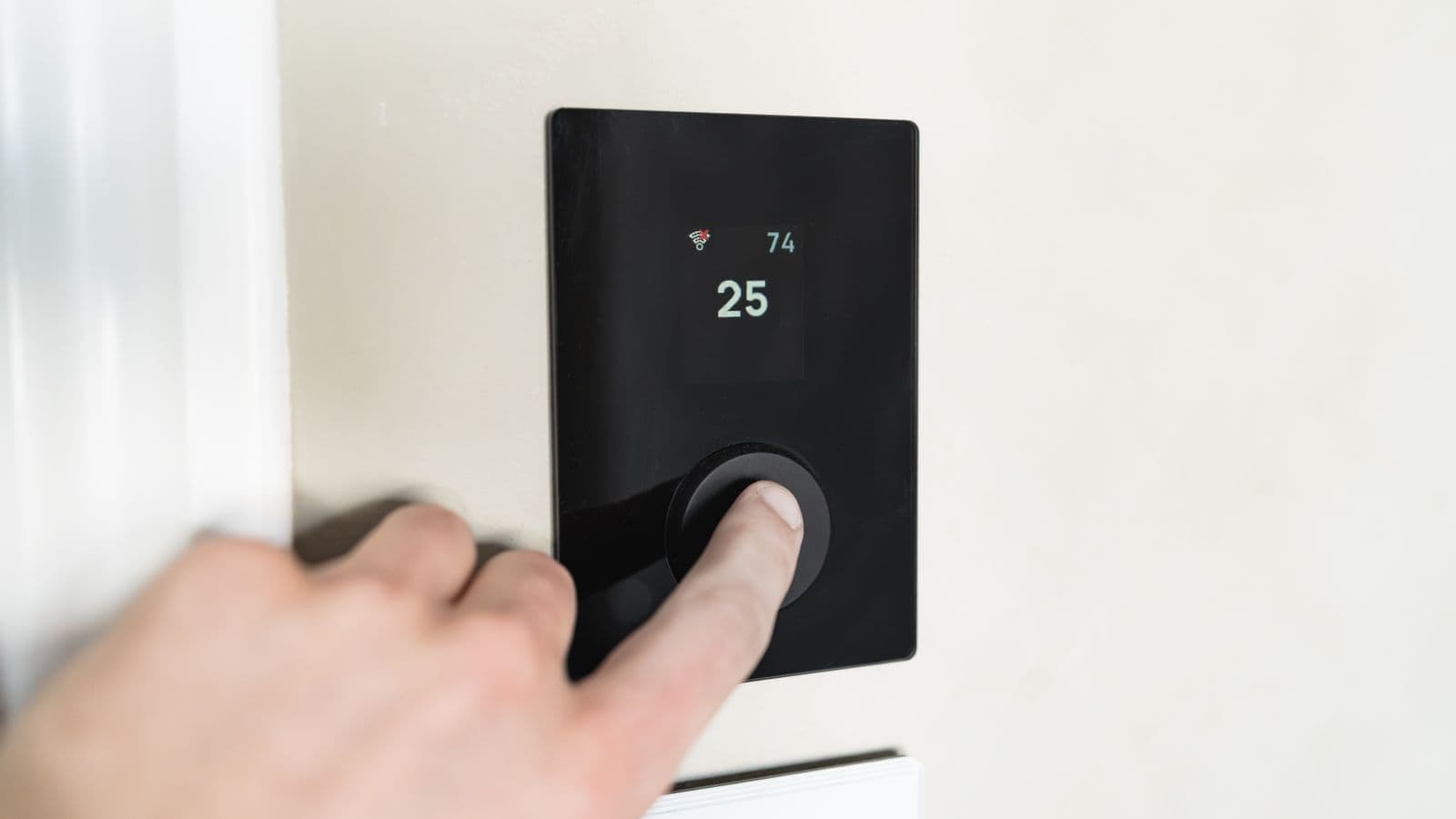
Your tenant pays the power bill, so a new thermostat or a layer of attic insulation looks like money you spend for someone else’s benefit. It is not that simple. The energy upgrades rental owners choose shape how comfortable the home feels in July, how often the air conditioner runs, and whether a good tenant renews. This guide covers which upgrades are worth considering, what to put in the lease, and when to schedule the work.
Which energy upgrades help a tenant who pays the power bill?
Five upgrades come up again and again in Las Vegas rentals. Each one changes either how much cooling the home needs or how the cooling is controlled.
- A smart thermostat that adjusts the schedule and can be set from a phone.
- Added insulation in the attic, where summer heat builds up first.
- Solar screens on windows that take afternoon sun.
- LED fixtures and bulbs, which give off less heat than older lighting.
- Duct sealing, so cooled air reaches the rooms instead of leaking into the attic.
None of these is a cure on its own, and none should be sold to you with a promised savings number. What matters is the home in front of you. A house with a nearly new system and good insulation gains little from another layer. A house with a failing duct run and a single-pane west window gains more.
A property manager looks at the house first, then at the lease history. If past tenants have complained about upstairs rooms that never cool, that points to duct and insulation work. If the home runs the same temperature all day while nobody is there, that points to controls.
Why should an owner care about a bill they never pay?
The tenant does not read your capital plan. The tenant reads the power bill. A tenant who opens a high summer bill in the first August often decides, quietly, to look elsewhere at renewal. That is a cost to you in vacancy days, cleaning, marketing and a new screening cycle.
Lower bills also help the listing. Applicants ask what the power runs in a typical summer, and a manager can answer more honestly when the house has been set up well. You can read more about how those conversations go in our guide to keeping summer power bills down in a Las Vegas rental, which is written from the tenant’s side of the same problem.
Retention is the larger reason. Every renewal you earn skips a turnover. Our look at how to reduce tenant turnover in a Las Vegas rental covers the other levers, and comfort is one of them. Energy upgrades belong in that same list, as one lever among several and not as a guarantee.
What does a smart thermostat actually do in a rental?
A smart thermostat is a Wi-Fi device that adjusts heating and cooling settings on its own. The federal ENERGY STAR program explains that certified models are independently tested on field data, and its smart thermostat page states that almost half of the annual energy bill for the average American household goes to heating and cooling. That is why the thermostat is the first upgrade most owners consider.
The common features are simple. The device can learn a schedule, set the temperature back when nobody is home, and let the occupant adjust it from a phone. ENERGY STAR also lists software updates and compatibility with some utility programs as typical features. It does not promise a fixed saving for every home, so you should not promise one either.
The same page offers buying tips that matter in a rental. Check that the thermostat works with the heating and cooling system in the house. Keep a Wi-Fi model close enough to the router that it does not drop off the network. In a vacant unit between tenants, an unreachable thermostat is a real nuisance, so confirm the signal before you buy.
A rental adds a question an owner-occupied home does not have. Whose account is it? If the device is tied to the manager’s or your personal email, the tenant cannot use the phone features. If it is tied to the tenant’s email, you may be locked out at move-out. The lease section below covers how to handle that.
Do attic insulation and duct sealing earn their place?
Both work on the same problem. Cooled air is expensive to make, and a home that loses it does not stay comfortable. Insulation slows the heat coming down from the attic. Duct sealing keeps cooled air inside the ducts until it reaches the vents.
These are not cosmetic upgrades, and a tenant will not see them in a photo. That is a point in their favor for an owner who wants the work to last, and a point against them in a listing. Tell applicants about them in plain words, such as “attic insulation added” or “ducts sealed and tested,” and leave out any dollar claim.
Before you approve either job, read through our HVAC maintenance guide for Las Vegas landlords. Duct work and insulation only pay off when the equipment itself is serviced, filters are changed and the system is sized to the home. Sealing ducts around a tired air handler is an expensive way to hide a bigger problem.
Ask the contractor for a written scope that lists where the work was done and what was installed. Take photos before and after. Those photos go into the owner’s file, and they help later if a tenant says the upstairs never cooled.
Where do solar screens and LED fixtures fit?
Solar screens and LED lighting are the low-disruption end of the list. Screens sit on the outside of the window and cut the sun before it reaches the glass. They are installed in an afternoon, and the home does not need to be empty. LED fixtures and bulbs use less power than older lighting and give off less heat, which helps the cooling load a little.
Neither choice needs a long vendor process in most cases, though you should confirm any association rules first. A home in a community with an HOA may have limits on exterior window changes. Check the community rules before you order screens, and get the approval in writing if one is needed.
LED work is also an easy turnover task. When a unit is vacant, the manager can swap the fixtures and bulbs during the make-ready visit. Use a consistent bulb type so a tenant does not have to guess what to buy when one burns out. Leave a spare in the garage or a labeled drawer if the lease allows it.
What should the lease say about devices and accounts?
Energy upgrades create new objects in the house, and the lease should say who owns and controls them. Without that, a thermostat becomes a dispute at move-out. You do not need a long clause. You need a clear one.
Put these points in writing before the tenant moves in:
- Which devices belong to the owner and stay with the home, listed by type and location.
- Whether the tenant may install their own thermostat or other smart device, and whether they must ask first.
- Who holds the account for any owner-supplied device, and how access is handed over at move-in and move-out.
- That the original thermostat and parts must be kept and put back if the tenant removes anything.
- Who pays for damage if a device is removed or wired wrong.
The tenant-installed question matters more than owners expect. Some tenants want their own brand of thermostat. A wiring mistake on a cooling system can cause real damage, so many owners require a request first and a licensed technician for the install. Others allow it with a swap-back rule. Pick one policy and have your manager apply it the same way each time.
Do not write a promise about bills into the lease. You cannot control how the tenant lives in the home, and a sentence like “this thermostat will lower your bill” turns a comfort feature into a claim. Describe the device and let the tenant judge the result.
When is the best time to schedule upgrades?
Turnover is the natural window. The home is empty, doors are open to contractors, and nobody loses a day of cooling. Pair the energy work with the repairs you already planned, so the vacancy period does a lot of work at once.
Sequence matters. Do the heavy items first, then the light ones.
- Inspect the cooling system and ducts, and fix any equipment faults.
- Seal ducts and add attic insulation if the inspection supports it.
- Install solar screens and swap lighting.
- Install the thermostat last, once the system is working properly and the settings can be tested.
Setting the thermostat last avoids a common mistake. A new device installed on a failing system gets blamed for a problem it did not cause. Installing it after the repairs gives you a clean test and a clean photo record.
In the cooler months, the stakes are lower. A turnover in winter gives you time to schedule attic and duct work before the first hot weeks arrive. A turnover in summer compresses the timeline, and you may need to do only the quick items and leave the larger work for the next vacancy.
How does a property manager run this in order?
A good manager treats an energy upgrade like any other capital item. The steps are the same each time, and each one leaves a record.
First, the manager inspects the home and writes down what is there: system age, filter condition, attic access, window exposure and the current thermostat. Second, the manager gets a written bid for each item you are considering and lists the options for you to choose from. Third, you approve the scope in writing, with a time frame for the work.
During the work, the manager checks the finished result against the scope and photographs it. After the work, the manager updates the owner file, notes the device and account details, and adds the upgrade to the listing description. If a tenant is already in place, the manager gives proper notice before any entry.
The time cost to you is small. Expect a few short decisions in the order above, plus one review of photos. You should not have to chase a contractor or guess whether the job was done.
What should you ask for in writing before you approve any work?
Ask your manager for a short list of documents before money moves. They protect you if the work is done badly, and they help the next owner or buyer understand what was installed.
- A written scope with the location of each item and the product type.
- The contractor’s license and insurance details, as the manager has verified them.
- Before and after photos with dates.
- Device and account details, kept in the owner file.
- Warranty paperwork for equipment and installed products.
Ask also how the manager will describe the upgrade to applicants. The wording should be factual. “Smart thermostat installed” is accurate. “Cuts your power bill” is a claim nobody can support, and it creates a problem later if the first bill is high for reasons that have nothing to do with the thermostat.
A high summer bill can come from a leaking duct, a dirty filter, a pool pump, a second refrigerator or simply a hot month. A manager who tracks the home’s history can sort those causes out when a tenant calls, and that is part of what a written file is for.
Where should you start with your own rental?
Start with the unit that has the most complaints or the highest turnover, not the newest one. Ask for an inspection that lists the cooling system’s age and condition, the attic and the windows. From that list, pick one or two upgrades and schedule them at the next vacancy. If you want the whole process handled in one place, see how property management in Las Vegas works at IRES, from inspections and bids to tenant communication and the owner file.
Small, well-documented upgrades beat a big project that nobody records. Pick the item that fits the house, write down the scope, test the result and tell tenants what is installed. Do that each turnover and the home gets more comfortable over time without any promises you cannot keep.